Settings
 Fast Delivery
 Free Shipping
 Incoterms
 Payment Types


 Marketplace Product

How to Control Stepper Motor With Joystick Using Arduino
2026-06-15 | By Ron Cutts
License: GNU Lesser General Public License Microcontrollers Motors PWM Arduino
In this simple tutorial, we will learn how to control a 4-wire stepper motor with a joystick using Arduino.
Watch the video!
What You Will Need
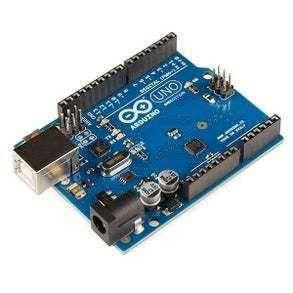
Arduino UNO (or any other board)
Visuino program: Download Visuino
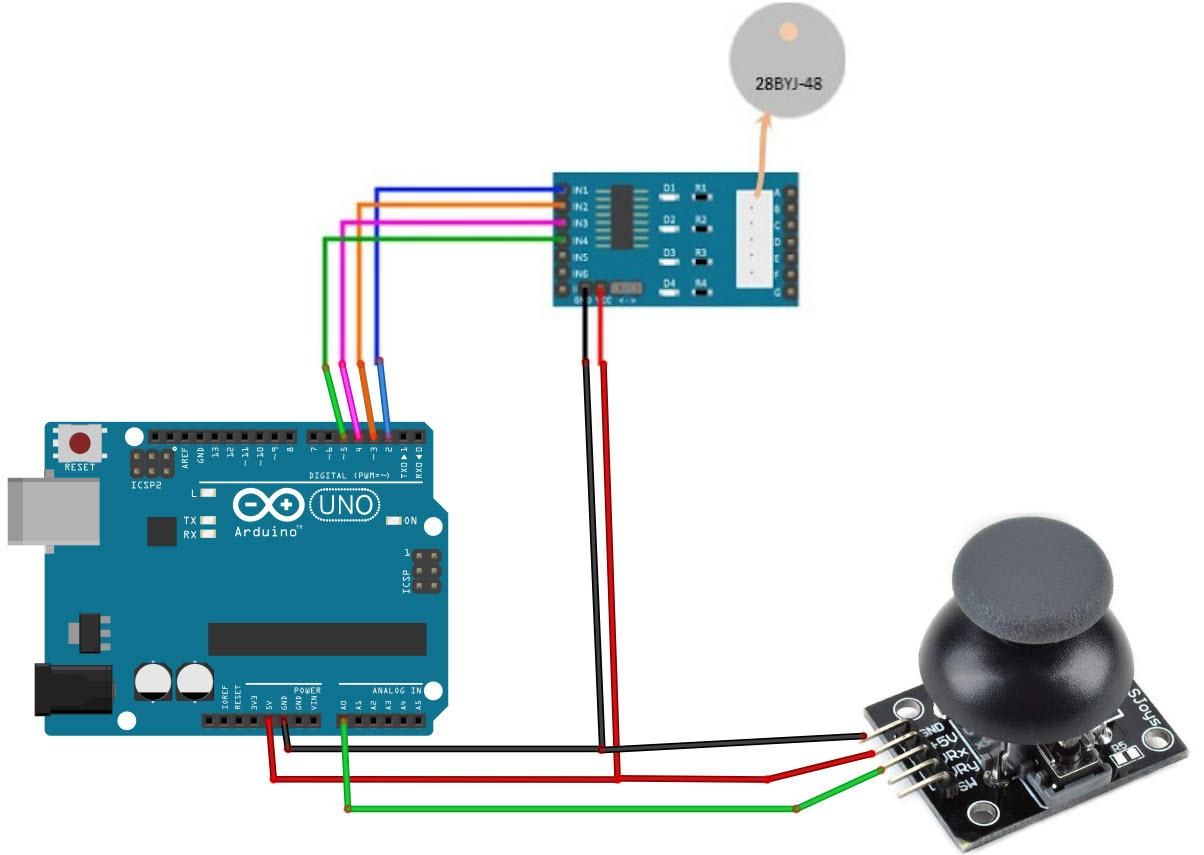
The Circuit
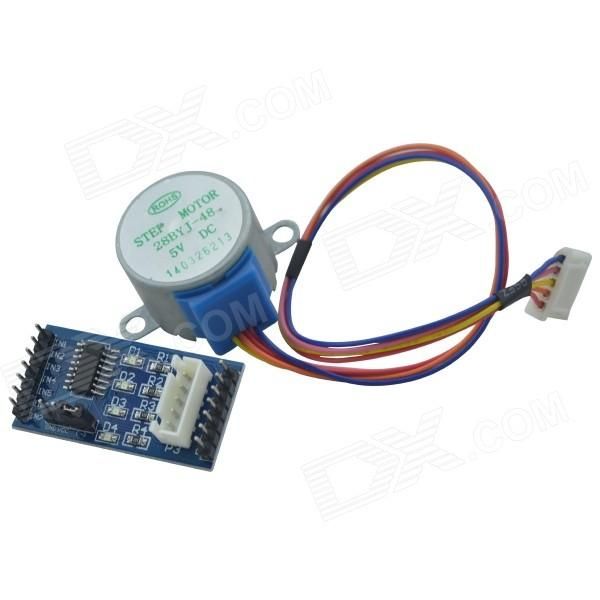
Connect Arduino pin [5V] to Driver Board pin [VCC]
Connect Arduino pin [GND] to Driver Board pin [GND]
Connect Arduino digital pin [2] to Driver Board pin [IN1]
Connect Arduino digital pin [3] to Driver Board pin [IN2]
Connect Arduino digital pin [4] to Driver Board pin [IN3]
Connect Arduino digital pin [5] to Driver Board pin [IN4]
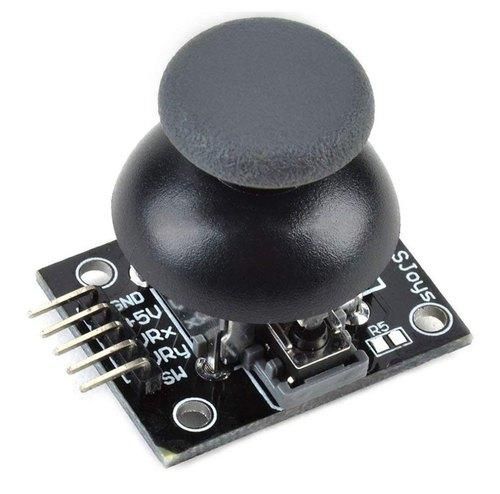
Connect Arduino pin [5V] to Joystick pin [VCC]
Connect Arduino pin [GND] to Joystick pin [GND]
Connect Arduino analog pin [0] to Joystick pin [VRX]
Start Visuino, and Select the Arduino UNO Board Type
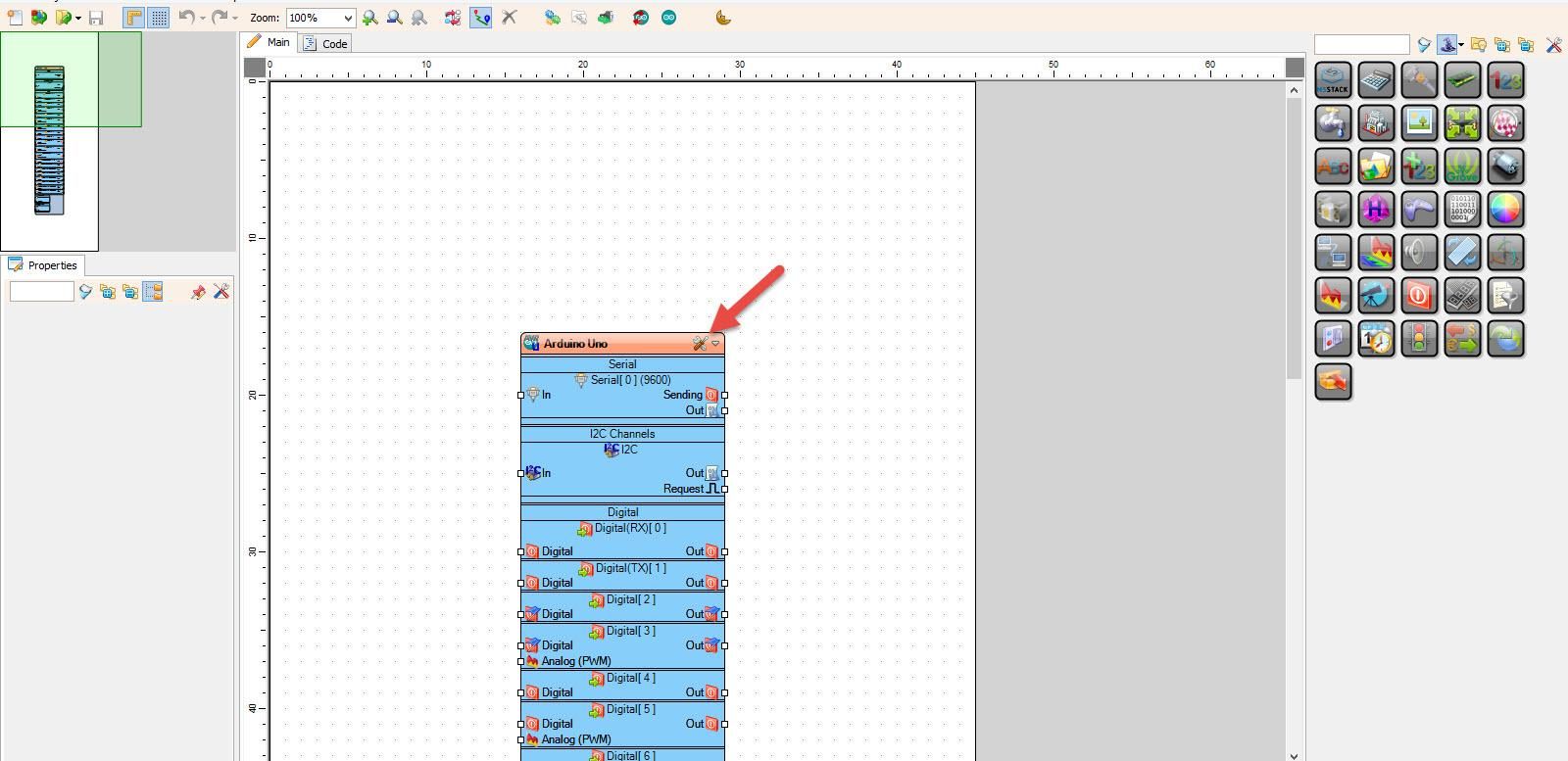
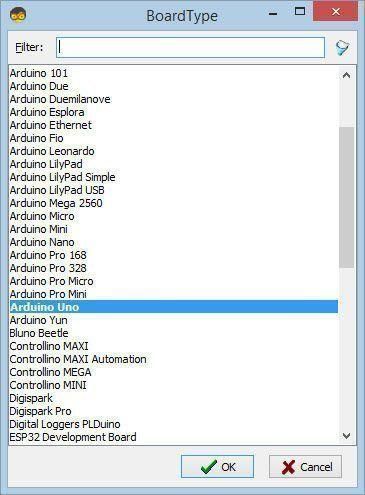
Start Visuino as shown in the first picture. Click on the "Tools" button on the Arduino component (Picture 1) in Visuino. When the dialog appears, select "Arduino UNO" as shown in Picture 2
In Visuino, Add Components
Add "4 Wire Stepper Motor" component
Add "Joystick" component
Add "Dead Zone Scaled Analog" component
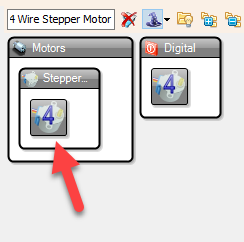
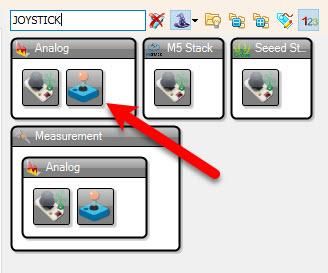
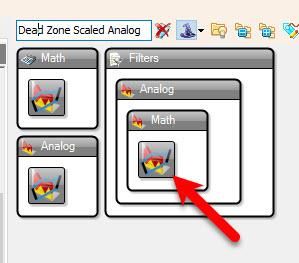
In Visuino Set Components
Select "Stepper1" and in the properties window select "Steps Per Second" and click on the pin Icon and select "Float SinkPin"
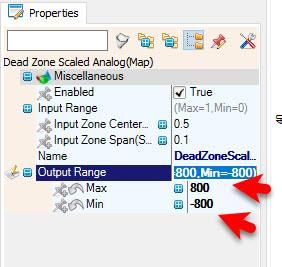
Select "DeadZoneScaled1" and in the properties window, set "Output Range" > "Max" to 800 and "Output Range" > "Min" to -800
This is the Max speed, and you can adjust it to your needs
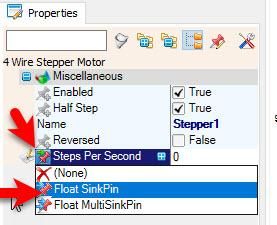
In Visuino Connect Components
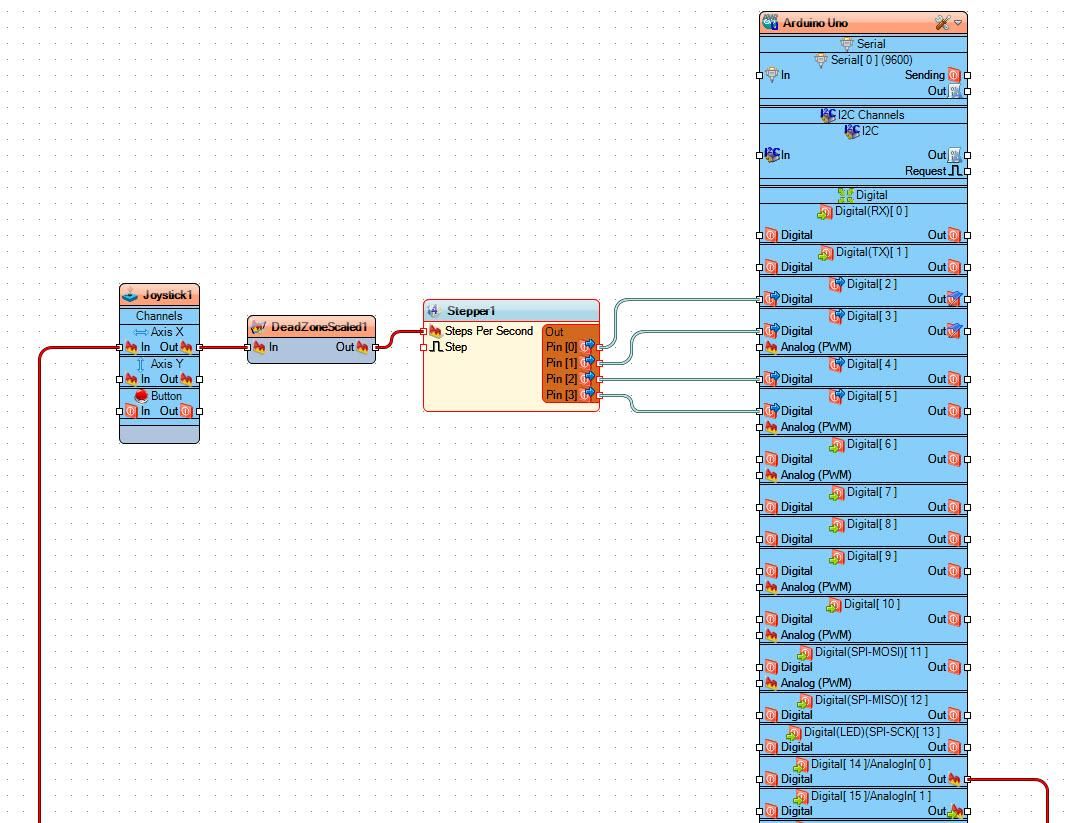
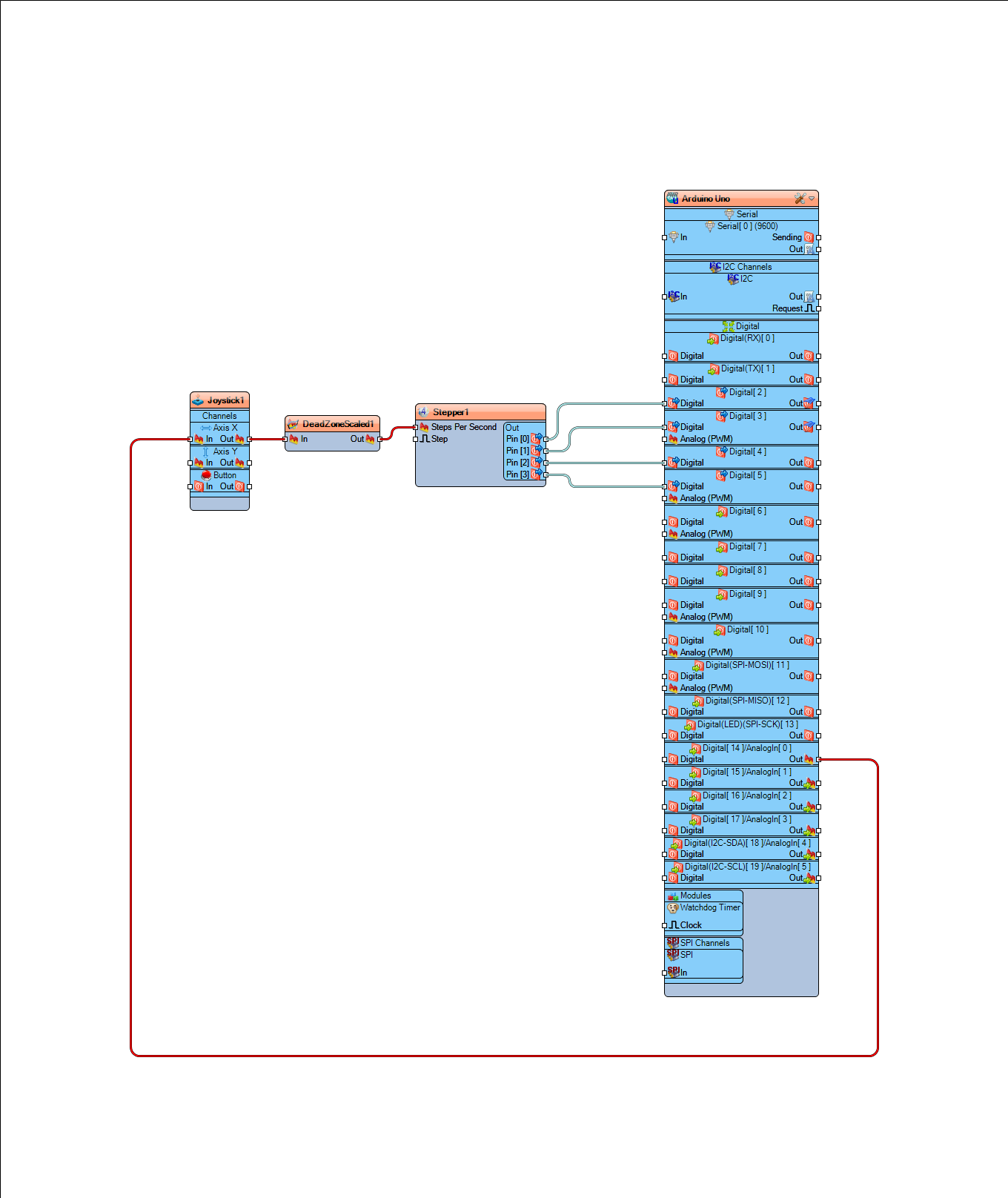
Connect Arduino Analog pin [0] to "Joystick1" Axis X [In]
Connect "Joystick1" Axis X [Out] to "DeadZoneScaled1" pin [In]
Connect "DeadZoneScaled1" pin [Out] to "Stepper1" pin [Steps Per Second]
Connect "Stepper1" pin [0] to Arduino digital pin [2]
Connect "Stepper1" pin [1] to Arduino digital pin [3]
Connect "Stepper1" pin [2] to Arduino digital pin [4]
Connect "Stepper1" pin [3] to Arduino digital pin [5]
Generate, Compile, and Upload the Arduino Code
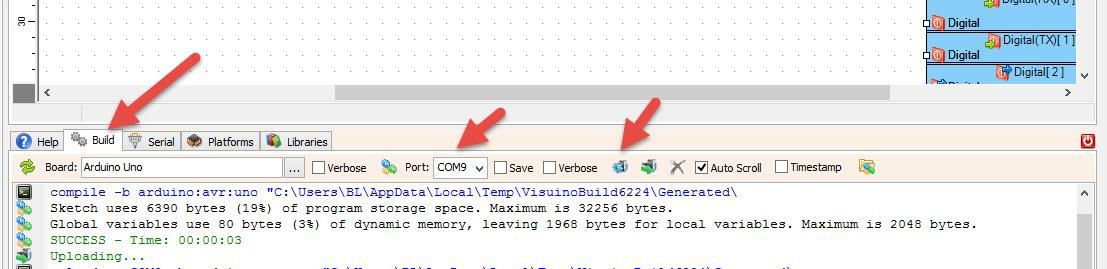
In Visuino, at the bottom, click on the "Build" tab, make sure the correct port is selected, then click on the "Compile/Build and Upload" button.
Play
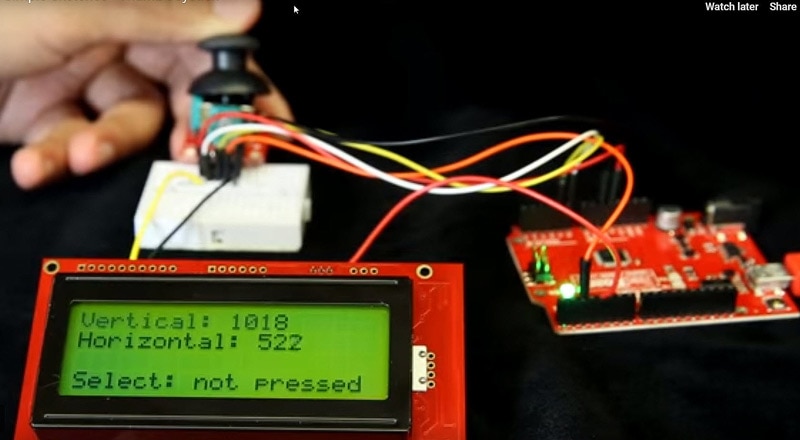
If you power the Arduino module and press the joystick, the stepper motor will start to rotate in the forward direction or the reverse direction.
Congratulations! You have completed your project with Visuino. Also attached is the Visuino project that I created for this project. You can download it here and open it in Visuino: https://www.visuino.eu